
Once installed, the app displays a status info panel on HPE Aruba Networking Central. This panel contains status information to all main components of the application.
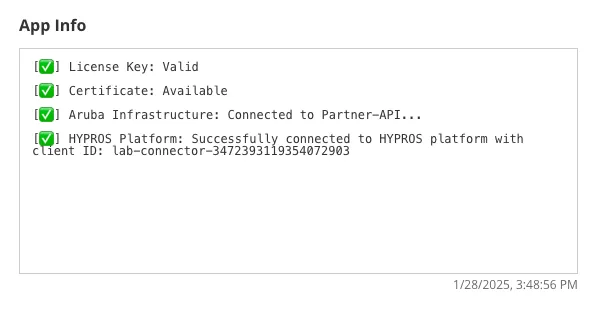
In case an error occurs, additional information will be displayed within this panel.
Common Error Causes
Section titled “Common Error Causes”- Invalid URL or port of the MQTT broker
- Invalid credentials for authenticating with the MQTT broker
- Expired or wrong certificate for connecting with the MQTT broker
- Broker URL is not entered as an external URL
- No device class is subscribed to, so there is no data to forward to the broker